Table of Contents
Type words like “modern” or “clean” into almost any AI website builder today, and you will get the exact same result. Within seconds, the screen fills with sharp white boxes, three stiff columns of icons, and bright neon buttons. Because artificial intelligence learns from millions of existing web pages, it naturally copies the most common corporate templates on the internet. The result is fast, functional, and completely devoid of life.
True organic design works the exact opposite way. Instead of forcing content into rigid 12-column grids, organic web design mirrors living systems in nature. Think of how a river bends around stone, how moss spreads across timber, or how light filters through leaves. On a screen, that means soft curves, uneven balance, generous empty space, and warm earthy colors that let the human eye rest. Finding an AI website builder that understands this natural rhythm takes careful testing, because most automated tools fight against asymmetry at every turn.
To find out which platforms can break free from the algorithmic box, we looked at the leading generative web tools on the market. We judged every AI website builder on three core standards: architectural layout freedom, natural visual styling, and technical search engine optimization. Whether you are building a site for a wellness studio, an eco-friendly brand, a native plant nursery, or a calm digital portfolio, this guide reveals which AI website builder delivers genuine warmth without sacrificing speed or search rankings.
What Defines Organic Design in Web Architecture?
Before you choose an AI website builder, you need to know what makes a digital space feel alive. In physical architecture, pioneers like Frank Lloyd Wright taught that a building should grow out of its landscape rather than sit on top of it like a foreign box. Digital biophilic design brings that same rule to the browser window. When a website respects human biology, visitors feel calmer, stay longer, and trust the brand behind the screen.
Four visual and structural traits separate true organic design from standard corporate layouts:
- Anti-Grid and Asymmetrical Flow: Nature rarely lines things up in neat, identical squares. Organic websites break away from predictable row-and-column monotony. They use staggered text blocks, off-center focal points, and overlapping images that guide your eye down the page like stepping stones across a stream.
- Biomorphic Geometry: Sharp 90-degree corners signal danger and artificial rigidity to the human brain. Biomorphic design replaces harsh boxes with soft rounded edges, flowing wave dividers, and custom Scalable Vector Graphics (SVG) masks that frame photos like smooth river pebbles or leaves.
- Botanical and Earth-Toned Colors: Stark pure white backgrounds paired with pitch-black text create harsh glare on modern screens. Organic interfaces use warm alabaster, unbleached linen, soft clay, deep forest green, moss, and slate. These mineral and plant tones lower eye strain and create a tactile, grounded mood.
- Humanist and Variable Typography: Geometric sans-serif fonts often feel cold and mechanical. Organic layouts pair expressive, slightly irregular serif headlines with clean, easy-to-read body fonts. Generous line spacing lets words breathe on the screen.
When an AI website builder ignores these four traits, the page feels like a spreadsheet. When an AI website builder embraces them, the screen feels like a quiet, welcoming room.
How We Tested Each AI Website Builder for Organic Aesthetics
Many software companies claim their tools offer limitless design freedom. In practice, plenty of platforms lock you into rigid rows the moment you try to move an element off center. To separate marketing claims from real performance, we put each AI website builder through the same five-part test.
First, we measured prompt sensitivity to non-standard layouts. We fed each AI website builder detailed instructions asking for asymmetrical sections, curved dividers, and earthy palettes. We noted which tools actually followed those directions and which ones ignored the prompt to serve up a generic tech template.
Second, we checked SVG and custom shape support. Smooth organic transitions rely on lightweight vector curves that stay sharp on every screen size. We tested how easily each AI website builder lets you import custom SVG shapes, apply curved masks to photos, and layer elements without breaking mobile responsiveness.
Third, we evaluated post-generation editing control. No AI website builder gets every pixel right on the first try. We looked closely at how much control you have after the initial draft appears, including fine-tuning padding, overlapping text over images, and adjusting spacing on phones and tablets.
Fourth, we audited built-in technical SEO and page speed. Beautiful organic layouts mean very little if search engines cannot read your pages or if heavy graphics slow down load times. We inspected the underlying code structure, metadata controls, and Core Web Vitals performance for every AI website builder on our list.
Fifth, we tested color accessibility guardrails. Earthy palettes like sage green on warm cream often suffer from low contrast, making text hard to read. We checked whether each AI website builder includes built-in contrast warnings to keep soft, natural color schemes readable for every visitor.
The Best AI Website Builder Contenders Ranked and Reviewed

No single platform fits every budget or skill level. Below are the six strongest options available right now, ranked by how well each AI website builder handles natural layouts, custom shapes, and long-term search performance.
1. Framer AI: Best Overall for Fluid Motion and Bespoke Biomorphic Layouts
If visual freedom is your top priority, Framer stands out as the best AI website builder for organic design. Unlike traditional site tools that force content into rigid rows, Framer works like an infinite design canvas. You can prompt its AI to generate a page layout, then freely drag elements, overlap images, and sculpt custom organic shapes anywhere on the screen.
What truly sets Framer apart is its natural motion engine. In nature, nothing starts or stops at a constant robotic speed; branches sway and water ripples with gentle momentum. Framer uses spring-based physics for its animations, giving subtle scroll effects and hover states a soft, lifelike weight. Importing custom SVG wave dividers or blob masks takes seconds, and the platform compiles your visual layout into fast, clean code that scores high on speed tests.
- Best features for organic design: Freeform canvas placement, spring physics animations, effortless SVG masking, and clean responsive breakpoints.
- Trade-offs to consider: Beginners who have never used a visual design tool may face a short learning curve, and heavy AI generation uses a credit system on starter tiers.
- Starting price: Free plan available with AI credits; paid plans with a custom domain start at $10 per month billed annually.
2. Wix Harmony: Best All-in-One Ecosystem for Layered Anti-Grid Editing
Launched in January 2026, Wix Harmony blends conversational AI creation with true drag-and-drop freedom. Inside the editor, an AI assistant named Aria helps you generate pages, rewrite copy, create custom images, and adjust sections through plain-English chat. Once Aria builds your starting draft, you can switch directly to manual editing and drag any text box, photo, or vector shape to the exact pixel you want.
For organic web design, this hybrid workflow solves a major headache. You can ask Aria to build a calm, nature-inspired layout, then manually nudge photos so they overlap section borders or layer subtle botanical illustrations behind your headings. Wix also packs a massive built-in library of transparent vector shapes, scroll effects, and native business tools like appointment booking and online stores. Plus, its built-in SEO checklist and accessibility wizard help keep low-contrast earth tones compliant.
- Best features for organic design: Hybrid chat and free-position drag-and-drop editing, built-in vector art library, background removal for organic cutouts, and strong native SEO tools.
- Trade-offs to consider: Adding too many overlapping animations and third-party apps can slow down page load times if you do not compress your images first.
- Starting price: Free plan on a Wix subdomain; paid custom-domain plans start around $11 to $17 per month billed annually.
3. Webflow + Relume AI: Best for Semantic Precision and Custom Organic Design Systems
When you want total architectural control over clean code and reusable design tokens, pairing Webflow with Relume AI creates an unmatched workflow. Webflow’s native AI builder generates multi-page sites complete with a global style guide and reusable CSS classes. When combined with Relume AI, you can map out an entire site structure in minutes and import unstyled, responsive wireframes directly into Webflow’s visual designer.
This combination shines for complex organic websites because Webflow gives you direct visual access to modern CSS tools like clip-path, variable border radii, and custom CSS Grid. You can build asymmetric editorial layouts where typography flows smoothly around irregular organic frames, while keeping your underlying HTML tags clean and semantic for search engines. Changing one global color token updates your entire earth-toned palette across dozens of pages instantly.
- Best features for organic design: Global design systems, custom CSS clip-path and mask support, clean semantic HTML output, and scalable content management.
- Trade-offs to consider: You need a basic grasp of how web spacing and layout containers work to get the most out of the editor.
- Starting price: Free starter tier on a staging link; paid site plans start at $15 per month billed annually.
4. 10Web AI: Best for Open-Source WordPress Ecosystems and Biophilic Themes
If you want full ownership of your website data and plan to publish a large library of SEO articles, 10Web is the strongest AI website builder built on WordPress. You enter a description of your brand, and 10Web generates a complete WordPress installation paired with a visual drag-and-drop editor based on Elementor. It can even recreate layouts from existing inspiration links or Figma design files.
While initial AI drafts on 10Web lean toward classic business structures, running on open-source WordPress unlocks limitless organic customization. You can add custom SVG shape dividers to any container, inject clean CSS for soft organic image frames, and install dedicated SEO and schema plugins. Every plan also includes managed cloud hosting with built-in caching and image optimization, helping photo-rich botanical and architectural sites load fast.
- Best features for organic design: Full WordPress ownership, Elementor visual container styling, custom CSS support, and automated page-speed optimization.
- Trade-offs to consider: You will spend a bit more time softening the initial AI layout compared to Framer, and AI edits rely on monthly credit allowances.
- Starting price: 3-day free trial with 5 AI credits; paid plans start at $10 per month billed annually (including hosting and a free domain credit).
5. Squarespace Design Intelligence: Best for Editorial Whitespace and Botanical Storytelling
Squarespace has long been the favorite platform for photographers, ceramicists, and wellness brands, and its Design Intelligence suite brings AI speed to that refined aesthetic. Using Blueprint AI, you answer a few guided questions about your brand personality, color mood, and goals. The AI website builder then assembles a cohesive multi-page starting point backed by professional typography and balanced spacing.
Once your draft is ready, Squarespace’s Fluid Engine editor lets you drag, resize, and overlap blocks across a flexible grid. For organic design, Squarespace excels at editorial storytelling. Its built-in image shape masks let you crop photos into arches, circles, and soft organic ovals with a single click, while its font pairings naturally evoke calm, print-magazine warmth.
- Best features for organic design: Curated editorial typography, one-click organic photo shape masks, generous default whitespace, and an intuitive block editor.
- Trade-offs to consider: It offers less granular control over custom code, complex SVG waves, and advanced technical SEO settings than Webflow or WordPress.
- Starting price: 14-day free trial; paid personal plans start around $16 per month billed annually.
6. Lovable and Base44: Best Vibe-Coding Builders for Custom Interactive Organic Components
Sometimes a standard template editor simply cannot build the interactive experience you imagine. Newer prompt-to-code platforms like Lovable and Base44 represent a fresh category of AI website builder. Instead of dragging boxes on a screen, you describe the exact visual style, custom animations, and interactive features you want in plain conversation, and the AI writes clean, custom frontend code from scratch.
For organic web design, these tools are remarkable. You can ask Lovable or Base44 to build a landing page with slowly drifting generative leaf shadows, custom SVG topography lines that react to your mouse cursor, or an interactive native plant finder for your visitors. Because the AI writes real code rather than assembling pre-made blocks, you are never trapped by a template’s rigid grid.
- Best features for organic design: Custom generative SVG backgrounds, bespoke interactive widgets, zero template grid restrictions, and full code export.
- Trade-offs to consider: You refine layouts through written prompts rather than visual drag-and-drop handles, and large content blogs require extra database setup.
- Starting price: Free tiers available with daily or monthly message credits; paid plans start at $16 per month billed annually on Base44 and around $20 to $25 per month on Lovable.
Side-by-Side Technical Comparison Matrix
Choosing the right AI website builder becomes much easier when you compare their core strengths side by side. The table below breaks down how each platform performs across layout freedom, vector support, SEO control, and starting cost.
| AI Website Builder | Layout Freedom | SVG and Mask Support | Technical SEO Control | Learning Curve | Starting Annual Price |
| Framer AI | Very High (Freeform canvas) | Native SVG and custom masks | Strong (Fast Core Web Vitals) | Moderate | $10/month |
| Wix Harmony | High (Hybrid AI + drag-and-drop) | Built-in vector art and shapes | Strong (Built-in SEO suite) | Easy | $11 to $17/month |
| Webflow + Relume | Very High (Full CSS control) | Full CSS clip-path and SVG | Excellent (Clean semantic code) | Intermediate | $15/month |
| 10Web AI | High (Elementor + custom CSS) | Custom SVG dividers and widgets | Excellent (Full WordPress SEO) | Easy to Moderate | $10/month |
| Squarespace AI | Moderate (Fluid grid + overlaps) | Built-in photo shape crops | Good (Built-in search tools) | Easy | $16/month |
| Lovable / Base44 | Limitless (Custom frontend code) | Custom generative SVGs | Moderate (Requires manual meta setup) | Moderate | $16 to $25/month |
Prompt Engineering for Organic Layouts: Overcoming Median Template Bias
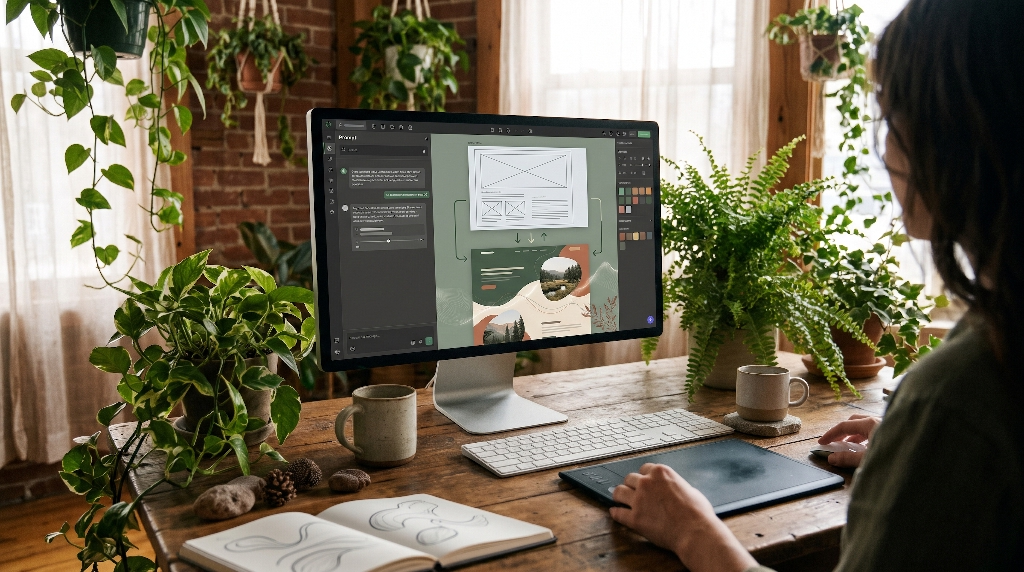
Even the smartest AI website builder suffers from median template bias. When you type a vague prompt like “build a website for an herbal skincare brand,” the AI looks at thousands of skincare sites in its training data and averages them together. That average always produces symmetrical three-column grids, sharp white cards, and stock photos in boxes.
To get an organic layout from any AI website builder, you must use subtractive prompting. Subtractive prompting means telling the AI explicitly what to remove, alongside clear architectural rules for what to build instead. By banning corporate clichés up front, you force the generative model to explore softer, more natural arrangements.
Use this modular prompt blueprint inside your favorite AI website builder to generate a warm, biophilic starting draft:
Plaintext
Design a calm, biophilic homepage for [Brand Name], a [brief description of your business].

Layout Rules:
- Use an asymmetrical editorial layout with generous vertical whitespace between sections.
- Do NOT use sharp rectangular cards, drop shadows, neon gradients, or symmetrical 3-column icon grids.
- Separate major page sections with gentle, flowing SVG wave curves instead of straight horizontal lines.
- Frame hero and feature photos using soft, uneven organic oval shapes and overlapping text captions.

Color Palette:
- Background: Warm unbleached linen (#F7F4EF)
- Secondary surface: Soft river stone (#EAE4D7)
- Primary text: Deep forest charcoal (#1F2922)
- Accent buttons: Terracotta clay (#B85D3B) with pill-shaped rounded corners

Typography:
- Headings: Expressive, warm serif font with relaxed line height.
- Body text: Clean humanist sans-serif font at 18px for effortless reading.
Running this exact structure inside an AI website builder immediately shifts the output away from sterile tech patterns and gives you a grounded foundation to refine.
Balancing Organic Asymmetry with Accessibility and Core Web Vitals
Creating a website that looks like a peaceful forest walk does not excuse poor usability. In fact, organic web design comes with two hidden technical traps that can hurt your search rankings if you are not careful: low color contrast and heavy visual files.
The first trap is the muted palette problem. Nature-inspired colors like sage green, sand, and pale terracotta look gorgeous together, yet they often fail Web Content Accessibility Guidelines (WCAG 2.2). When light sage text sits on a cream background, visitors with low vision or anyone reading on a phone in bright sunlight will struggle to read your words. Always keep your main body text at a minimum contrast ratio of 4.5 to 1 against its background. Reserve soft, muted earth tones for decorative shapes, section backgrounds, and subtle borders while keeping your text in deep forest charcoal or rich espresso brown.
The second trap is page speed bloat. Some designers try to force an organic look onto a basic AI website builder by uploading huge transparent PNG images for every curved divider and leaf shadow. Large image files destroy your Largest Contentful Paint (LCP), which is a key Core Web Vitals metric Google uses to rank pages.
Instead of heavy PNG cutouts, use inline SVG code for curved dividers and organic shapes. An SVG file is pure math, meaning it weighs just a few kilobytes, loads instantly, and stays razor-sharp on every screen. Combine inline SVGs with modern WebP compression for your nature photography, and your organic site will load in under two seconds.
Practical Workflow: Refactoring a Rigid AI Draft into a Calm Interface
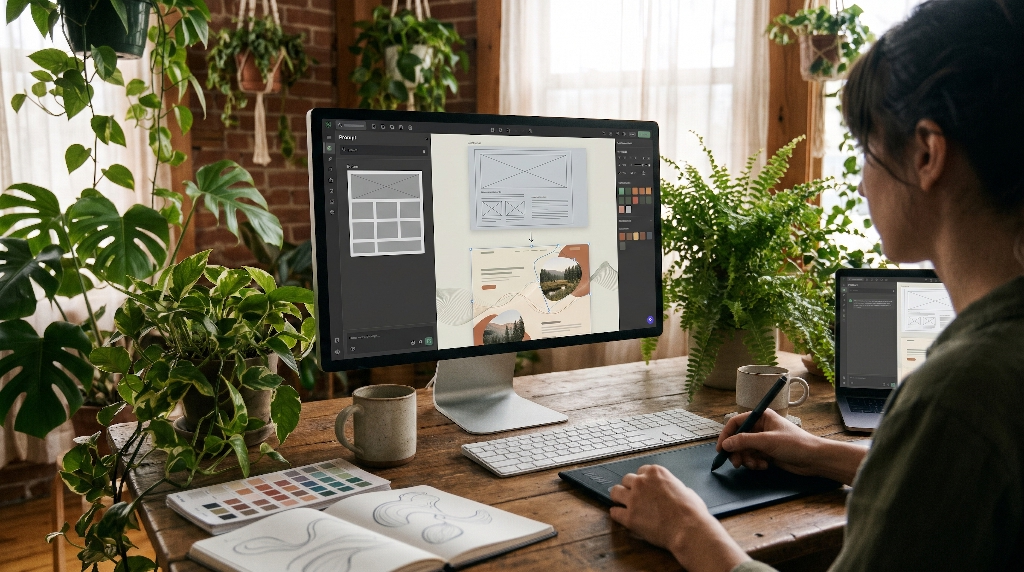
What if you already generated a site with an AI website builder and it still looks too boxy? You do not need to start over from scratch. Follow this four-step visual editing checklist to transform a rigid template into a calm, biophilic interface in under thirty minutes:
- Strip Away Box Borders and Drop Shadows: Click on your feature columns and remove visible card borders, dark box shadows, and bright background fills. Let your headlines and short paragraphs sit directly on the warm page canvas, using clean alignment and spacing rather than boxes to group ideas.
- Soften Image Corners with Asymmetric Radii: Select standard square photos and adjust their corner rounding. Instead of setting every corner to the same number, use uneven border radius values (such as
60% 40% 30% 70% / 60% 30% 70% 40%in custom CSS) to give photos the smooth, irregular silhouette of a river stone. - Expand Vertical Breathing Room by 40 Percent: Most AI website builder templates pack sections too tightly together, creating visual stress. Increase the top and bottom padding of every section by at least 40 percent. Open space acts like a quiet pause in a conversation, letting each idea sink in before the visitor scrolls further.
- Anchor the Page with an Organic Horizon: Replace harsh, blocky footers with a gentle curved transition that blends into a deep earth-toned base. Keep your footer links simple, clear, and easy to scan on mobile devices.
Common Questions About AI and Organic Web Design
Which AI website builder gives the most design freedom?
Framer AI and Webflow offer the highest level of design freedom among modern platforms. Framer provides a freeform canvas where you can place elements anywhere without grid limits, while Webflow gives you full visual control over custom CSS layouts, clip-paths, and reusable design systems.
Why do all AI-generated websites look the same?
Most generative tools train on millions of existing commercial websites, causing them to favor the most statistically common layouts. Without specific negative instructions in your prompt, an AI website builder defaults to symmetrical three-column grids, sharp cards, and standard sans-serif fonts because those patterns appear most frequently online.
Can an AI website builder create custom SVG shapes and organic layouts?
Code-based platforms like Lovable and Base44 can generate custom inline SVG curves and generative organic backgrounds directly from a text prompt. Visual platforms like Framer, Wix Harmony, and Webflow allow you to import custom SVG graphics and apply organic shape masks to photos after generating your initial layout.
Are AI-built websites good for SEO?
Yes, provided you choose an AI website builder that outputs clean semantic HTML and loads quickly on mobile devices. Search engines evaluate page speed, mobile usability, heading hierarchy, and helpful content rather than whether artificial intelligence helped build the layout.
What is biophilic or organic web design?
Biophilic web design applies principles from nature and living ecosystems to digital interfaces. It uses asymmetrical balance, soft curved shapes, earth-toned color palettes, and generous open space to reduce visual fatigue and create a calmer, more intuitive experience for website visitors.
Strategic Decision Guide: Choosing the Right Platform for Your Project
Selecting the best AI website builder comes down to matching the tool’s strengths with your technical comfort level and long-term business goals. Every platform reviewed in this guide can produce a peaceful, human-centered website when guided by clear biophilic rules.
- Choose Framer AI if you are a designer, creative studio, or boutique brand that wants effortless freeform layouts, organic spring animations, and fast performance out of the box.
- Choose Wix Harmony if you want an intuitive AI website builder where you can chat with an AI assistant to generate sections and then freely drag and layer elements by hand alongside built-in booking or store tools.
- Choose Webflow with Relume AI if you are building a scalable brand website that requires strict semantic HTML, custom CSS organic masks, and reusable global style tokens.
- Choose 10Web AI if your growth strategy relies on publishing deep, search-optimized content inside WordPress while keeping full ownership of your site files.
- Choose Squarespace Design Intelligence if you want refined editorial typography, generous whitespace, and simple one-click organic photo framing with zero technical maintenance.
- Choose Lovable or Base44 if you want to prompt custom interactive organic features, procedural nature animations, or bespoke web tools directly in code.
Start with the prompt blueprint above, strip away the unnecessary boxes, and let natural spacing do the heavy lifting. When your website mirrors the calm order of the natural world, visitors feel the difference the moment the page loads.